Share your trip with family, without making them install anything
Trip7 gives every trip a web link you can send to family and friends. They open it in an ordinary browser and see your day-by-day plan, your journal photos, and your flights tracked live on a map. There is no app to download, no account to create and nothing to sign up for.


Free on iPhone and Android. No credit card.
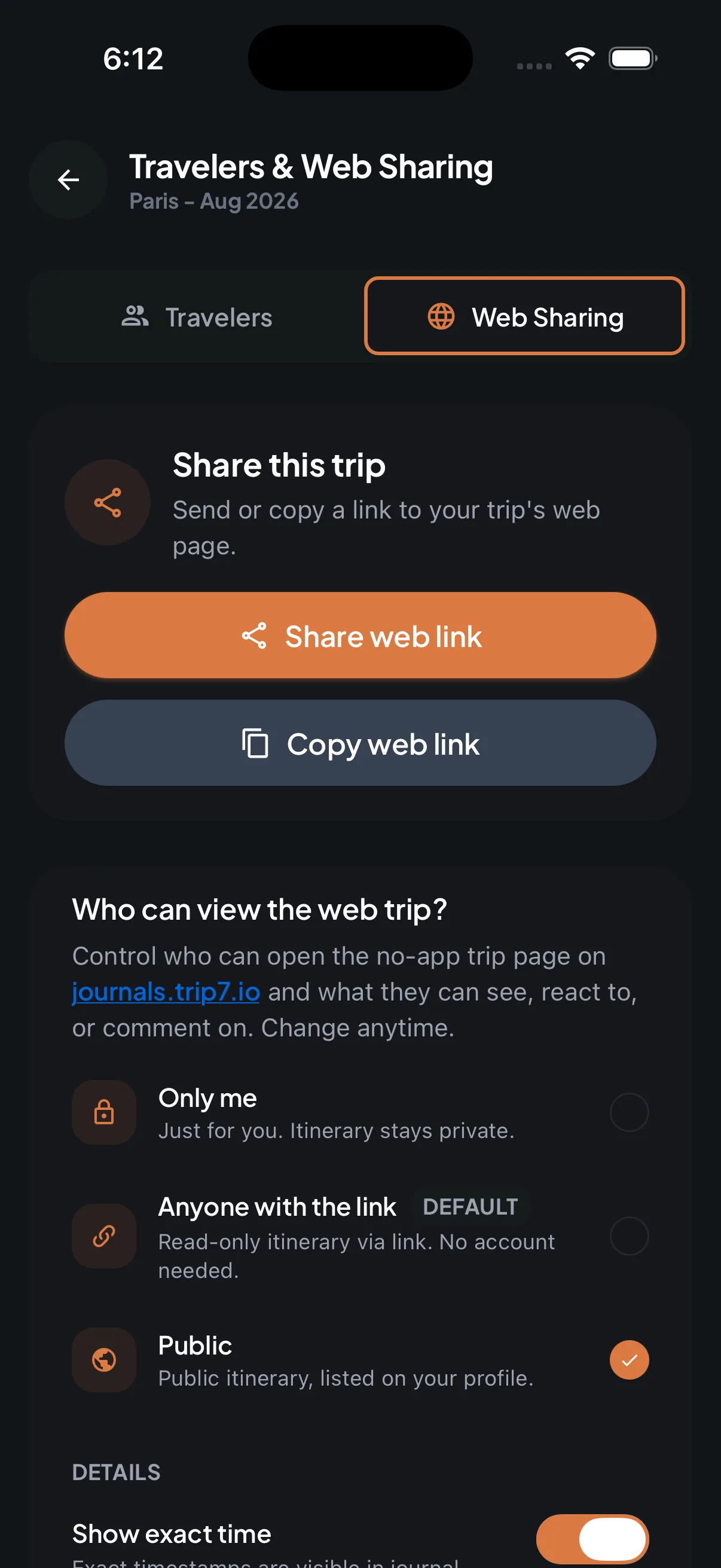
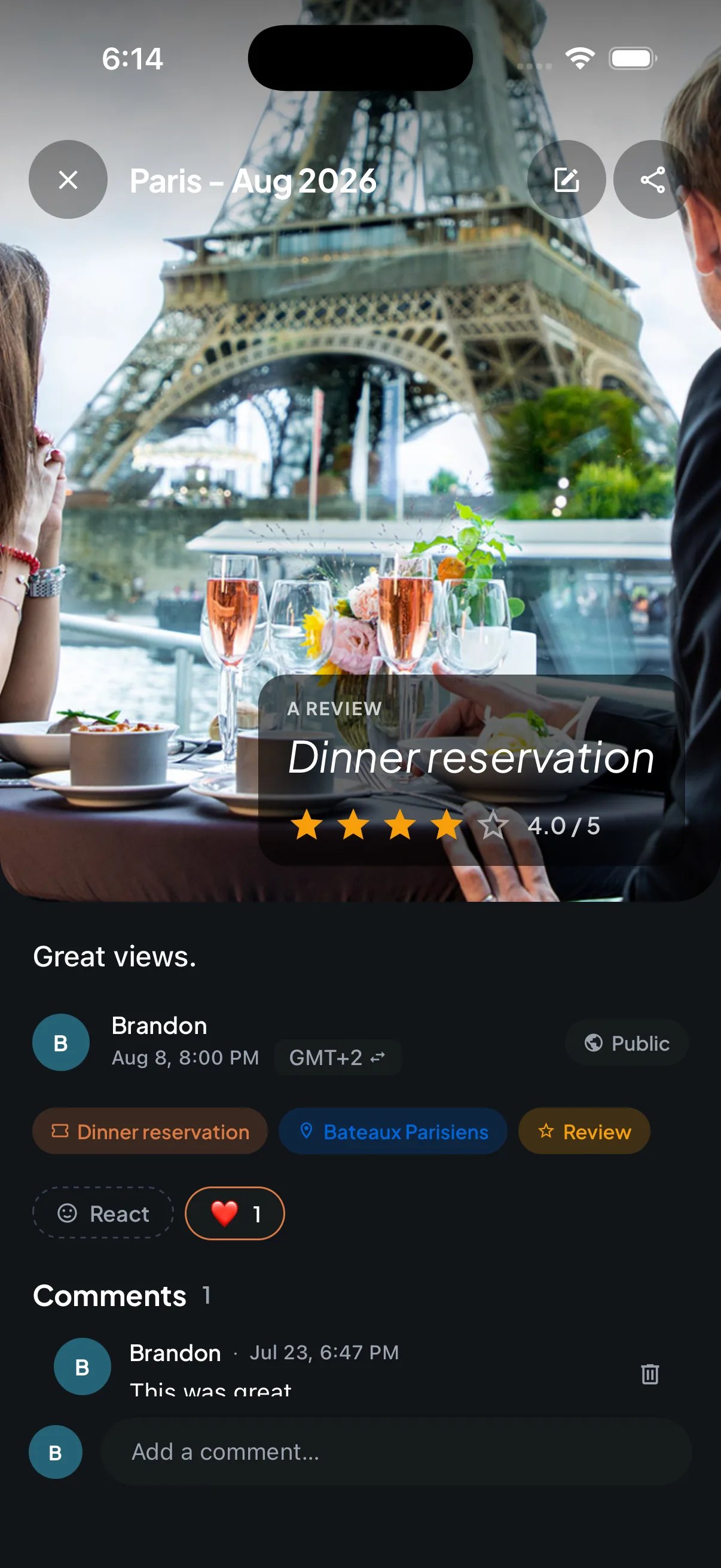
How do I share my trip with someone who does not have the app?
Open the trip, choose share, and send the link however you normally send things — a message, an email, the family group chat. Whoever opens it sees the trip in their browser, on a phone, a tablet or a computer.
Nothing is asked of them. No download, no account, no password, no app store. That matters when the people who most want to follow your trip are the least likely to install a travel app to do it.
Can they see my flight while I am in the air?
Yes. Your flights are tracked live on the map on the shared page, so the people watching can see the aircraft moving and know when it lands.
This is the part that stops the texting. Nobody has to ask whether you have taken off, whether you have landed, or how late you are, because it is on the screen in front of them.
Who can see it, and can I turn it off?
You decide, one trip at a time. A trip can stay completely private, be visible to anyone who has the link, or be public and listed on your travel profile. The setting is per trip, so sharing a family holiday does not share anything else.
You can change it whenever you like. Switch sharing off and the link goes quiet. Journal entries have their own setting too, so you can post something for the people travelling with you without it appearing on the family link.
What about the people travelling with me?
Invite them into the trip itself rather than sending a read-only link. Everyone then sees the same plan, the same bookings and the same updates as things change.
You can also drop a meeting spot on the map with a time, which saves the round of messages that normally goes into getting a group to the same corner at the same moment.
The short version
- What it costs
- Free to download and free to use.
- Where it runs
- iPhone and Android; the shared link opens in any browser.
- What followers need
- A browser. No app, no account, no sign-up.
- What they can see
- Your day-by-day plan, your journal photos, and your flights tracked live on a map.
- Who controls it
- You do, per trip: private, anyone with the link, or public. You can switch it off at any time.
- Location
- Used only while the app is open. Trip7 does not track you in the background and does not ask for background location permission.